STUDIO 2.0 ClipGenly AI × YourVideo Studio

Turn long recordings into high-impact vertical Shorts.

Repurpose podcasts, interviews, and streams into publish-ready 9:16 vertical clips. Keep 100% of your authentic original voice or translate into 29 international languages with Studio Ultra neural voices, precision 4K Lanczos scaling, and automatic SRT captions.

  • Authentic Original Voice OR AI Dubbing
  • 4K Ultra HD & 1080p Master Export
  • Time-Synced SRT Subtitles
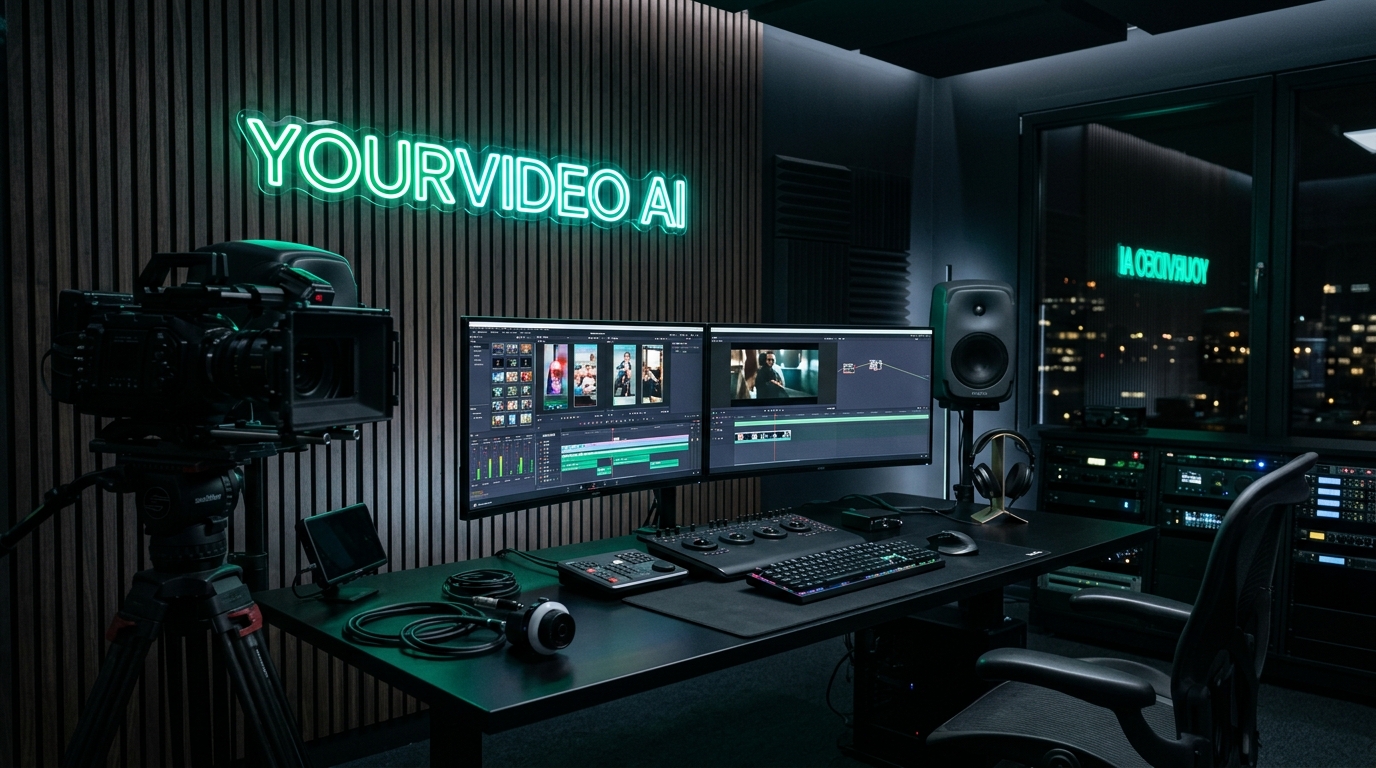
Futuristic YourVideo AI creator studio with glowing neon logo and multi-camera timelines

Realtime multi-format rendering

Engineered for PodcastsInterviewsGaming streamsTutorialsKeynotesCreator Vlogs
Creator Toolkit

Everything you need to repurpose video.

From raw long-form footage to studio-grade vertical clips without complex timeline editing.

Live

Long Video to Shorts

Detect peak engagement moments and automatically reframe 16:9 recordings to vertical 9:16 Shorts.

Open Studio
Studio Ultra [Studio-HQ]

Multilingual AI Dubbing

Dub dialogue into 29 languages with human inflection and guaranteed original voice isolation.

Explore Dubbing
4K Ultra HD

4K & 1080p Video Master

Export in full 2160p Ultra HD with Lanczos precision scaling and high-bitrate encoder output.

Choose Quality

SRT Subtitles & Metadata

Export time-coded SRT captions, engaging titles, descriptions, and hashtags tailored for viral algorithms.

Export Captions
How it works

From upload to upload-ready in four steps.

No timeline editing required. Choose your settings once and let the studio do the cutting.

  1. STEP 1

    Upload

    Add an MP4, MOV, MKV, WebM or AVI file and pick clip count, length and language.

  2. STEP 2

    Analyze

    Speech is transcribed and AI-assisted analysis looks for strong, standalone moments.

  3. STEP 3

    Render

    Each highlight is reframed to vertical 9:16 with matching subtitles and metadata.

  4. STEP 4

    Publish

    Preview, download MP4 and SRT files, and copy titles and hashtags for posting.

Read the full guide →

Your workspace

Shorts Studio

Create professional Shorts from your own videos. Your projects are private to your account.

Create New Shorts

Upload once, export multiple vertical clips.

Video Studio
Audio & Voice Studio (Original or Dubbed)
Original Audio Supported Studio Ultra Neural AI 29 Languages

You have full control: Keep your authentic original voice for podcasts and personal content, or translate dialogue into 29 languages powered by Studio Ultra-HD Neural Voice. Guaranteed clean audio mixing with zero GPU memory overhead.

Studio Neural Voice Engine Checking…
Neural Cloud Engine: Multilingual v2 Ultra-HD • Zero GPU Load [Studio-HQ]
Loading quota…
Credit Protection Active: Only selected Shorts are dubbed (never the entire video) to preserve active neural quota.
Idempotency Cached
Speech & subtitles translated (if Dubbed Mode is chosen)
Deep & Narrative American Accent Multilingual v2 Ultra-HD
Ultra-realistic studio neural voice with authentic pitch, emotion & pacing
Real Voice or AI Dubbed
Pick "Original Mode" to preserve your own real voice with subtitles, or "Advanced Dubbed" to translate dialogue into 29 languages.
Video Export Quality & Studio Master
4K Ultra HD & 1080p Master CPU libx264 · Lanczos HQ

Every resolution generates genuine pixel-accurate video via FFmpeg. Default standard is 1080p Full HD; select 4K Ultra HD for master display quality with Lanczos interpolation.

Target Output: 1080 × 1920 px · Vertical Shorts (9:16) · Full HD
Pixel Accurate
Smart centered reframing
Preserves native camera cadence
Quantization & filtering tuning
Muxed as soft subtitle track

Processing time depends on video length and dubbing complexity. You can leave this page and find results later in My Projects.

Studio Access

Transparent, Creator-First Access

Full studio capabilities are currently $0 during our public release. Premium paid plans may be introduced in the future as new tools launch, but you can export 4K vertical Shorts today with zero credit card requirement.

Full Studio Access Public Release
$0
Free Public Access Currently $0 · Paid plans may be introduced later

Complete end-to-end video repurposing engine. Currently 100% free with all studio features unlocked during our public release. Paid subscription tiers may be added in the future as we scale, with zero surprise charges or automatic billing.

Launch Studio Free Instant access · Zero watermarks · No credit card required
Everything Included in Studio:
  • 4K & 1080p Master Rendering: Genuine pixel-accurate 2160p and 1080p vertical video exports via Lanczos scaling.
  • Authentic Voice Retention: Keep 100% of your real recorded vocal tone, inflection, and personality untouched.
  • Multilingual Studio Dubbing: Seamlessly translate and re-voice dialogue across 29 international languages.
  • Dynamic SRT Captions: Time-synchronized subtitles available as embedded tracks or standalone SRT files.
  • Automated Publishing Copy: AI-crafted video titles, engagement descriptions, and trending hashtag sets.
FAQ

Frequently Asked Questions

What kinds of videos produce the best highlights?

Spoken dialogue content delivers optimal highlight detection and synchronized subtitles. Podcasts, interviews, keynotes, webinars, and educational commentary are automatically analyzed for high-engagement moments. Non-verbal footage is uniformly segmented across the timeline.

Which file formats and sizes are supported?

MP4, MOV, MKV, WebM, and AVI files up to 2 GB (2048 MB) are supported with high-speed chunked uploading and session recovery.

Can I keep my authentic voice instead of AI dubbing?

Yes. Authentic voice retention is fully supported. Select Original Mode in the studio to preserve your real recorded voice with vertical framing and dynamic subtitles.

Are subtitles burned directly into exported videos?

You have full flexibility. Subtitles can be embedded directly into the vertical MP4 or downloaded as standalone SRT files ready for YouTube, TikTok, and Premiere Pro.

How does vertical framing work for horizontal recordings?

The engine applies smart 9:16 vertical centering with dynamic subject framing, ensuring the primary speaker remains centered throughout the clip.

View all FAQs →

Creator Audio Architecture

Original Voice vs. AI Dubbed Voice: Which Should You Choose?

YourVideo AI gives you total creative control. AI dubbing is 100% optional! Keep your authentic voice for native community trust, or scale globally with studio neural voices across 29 languages.

Recommended For Personal Brands 100% Authentic Audio

Keep Original Voice

Your exact recorded tone, emotions & natural delivery

Preserves your actual voice, human humor, and natural pauses exactly as recorded, paired with AI highlight detection, 4K/1080p vertical framing, and kinetic captions.

Best Choice For:
Podcasts, Vlogs & Interviews: Where your community connects directly with your real personality and vocal cadence.
Native Language Audiences: When your viewers already speak the video's original recorded language.
Comedy, Debates & Humor: Human sarcasm, subtle laughs, and vocal nuance that AI should never replace.
Global Audience Scaling 29 Languages Supported

Studio AI Dubbing

Professional neural voices for international reach

Translates and re-voices spoken dialogue into 29 international languages with studio-grade neural voices. Strictly mutes original dialogue while seamlessly preserving ambient background sound.

Best Choice For:
Multi-Language Channels: Effortlessly scale 1 recording into dedicated international Shorts and Reels channels.
Tutorials, Tech & Explainer Videos: Crystal-clear broadcast clarity in the viewer's native tongue for maximum retention.
Global Corporate Distribution: Professional studio narration across English, Hindi, Spanish, Japanese, and more.
Get started

Your next Shorts are already in your long videos.

Upload a recording and get vertical clips, subtitles and posting copy in one place.